Product tour

How VibePause fits into your coding day.

It follows time in your editors and terminals, nudges you at sensible moments, guides short breaks, and keeps your history on your Mac. Every screen below is the real app.

Get VibePause on the Mac App Store ↗US$14.99 once · macOS 14+
CursorVibePause in the menu bar, showing the coding-session timer
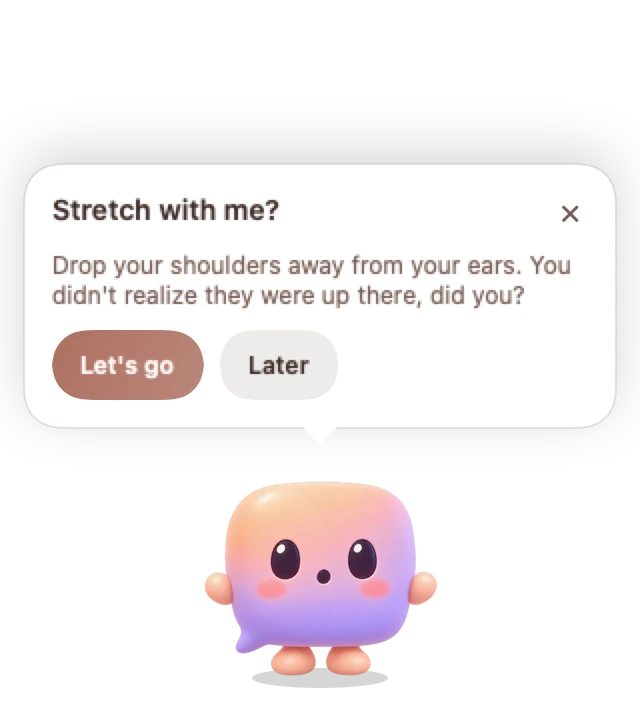
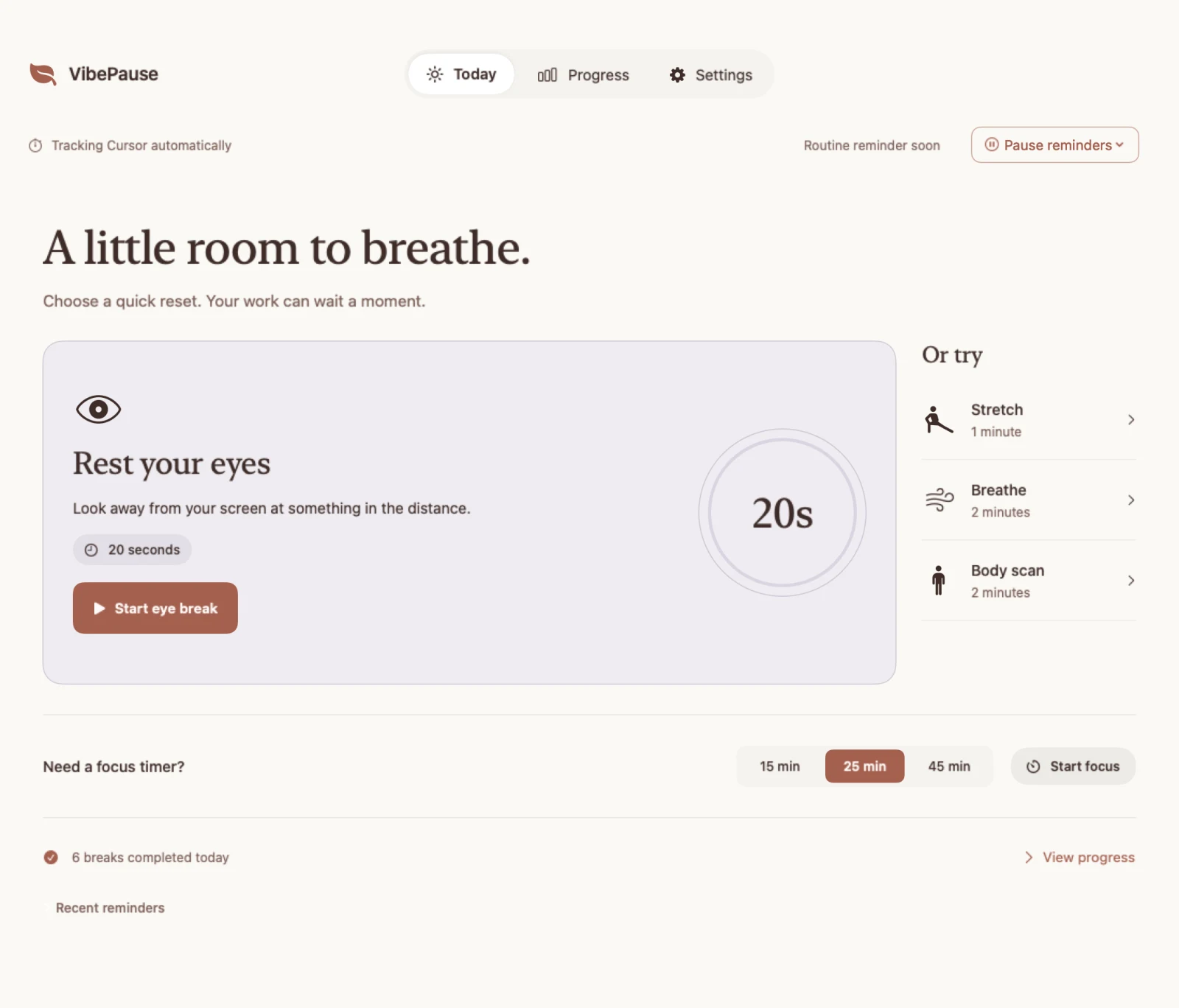
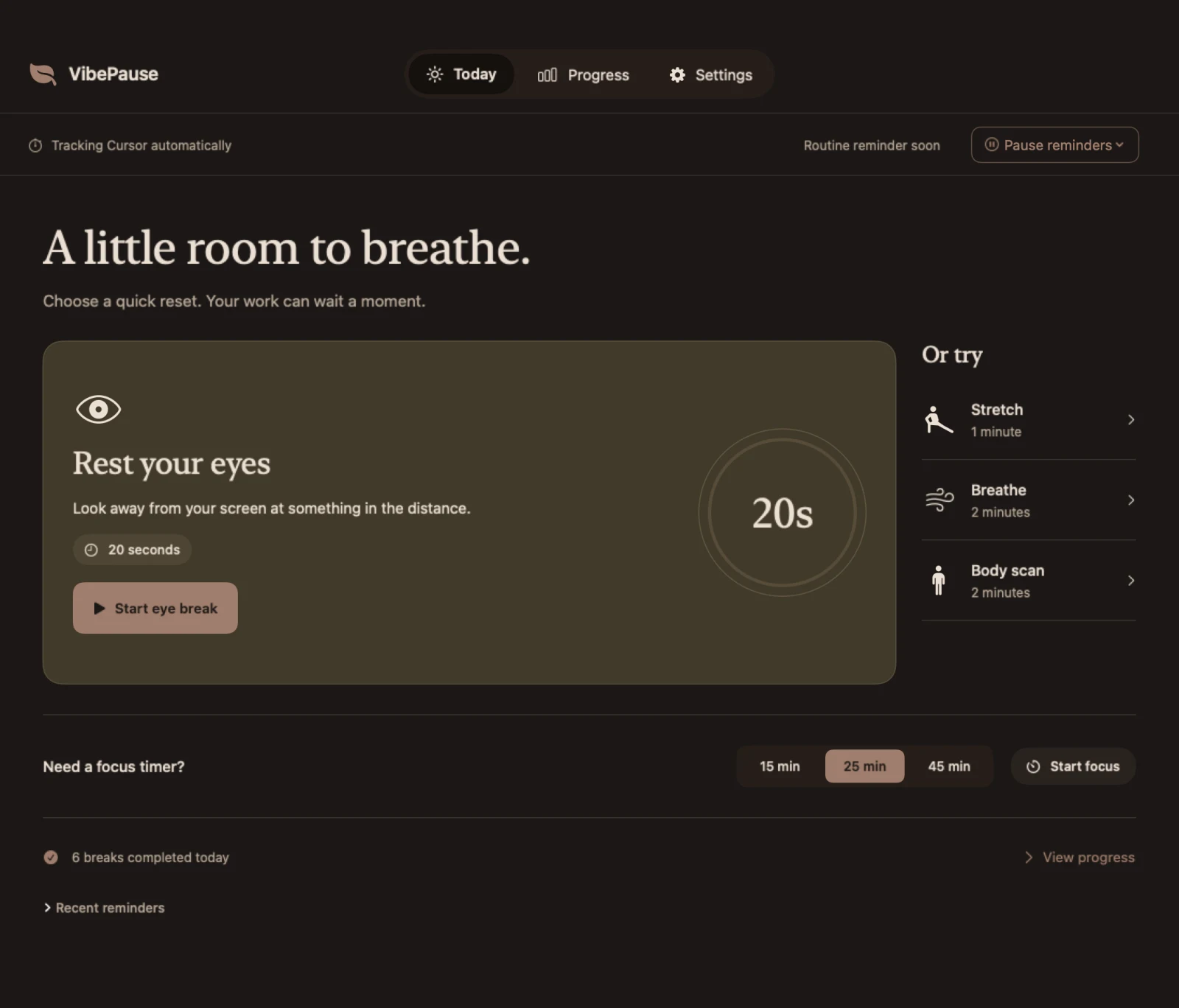
VibePause Today page: a tracked Cursor session, guided eye, stretch, breathing and body scan breaks, and the focus timer.Pip standing at the bottom of the screen with a stretch nudge: Stretch with me?
Session timer in your menu bar
01 · Tracking

Knows when you're coding. Pauses when you're not.

Pick the apps that count as coding. VibePause follows time while one of them is in front, and notices when you step away, so the timer reflects real work rather than a clock you forgot to start.

  • Idle detection pauses the session after 15 minutes away, or whatever you set.
  • Handles sleep and wake without counting the night.
  • CLI agents like Claude Code count through the terminal they run in.
Apps you can track
  • VS Code
  • Cursor
  • Xcode
  • Terminal
  • Ghostty
  • JetBrains
  • Zed
  • Claude
  • Codex
The timer changes colour as the session grows
  1. Freshunder 2 h
  2. Steady2 to 4 h
  3. Long4 to 6 h
  4. Very long6 h and up

Stepped away. The session pauses and picks up when you are back at your editor.

02 · Nudges

A useful nudge at a sensible moment.

Each reminder suggests one small, concrete thing, timed around the shape of your session. It appears in one place, once: a floating banner, or Pip's speech bubble when Pip is out.

  • Eyes
  • Posture
  • Water
  • Movement
  • Fresh air
  • Food
  • Small tips

Weather-aware, if you like. Enter a city and outdoor nudges follow the weather and daylight. No GPS.
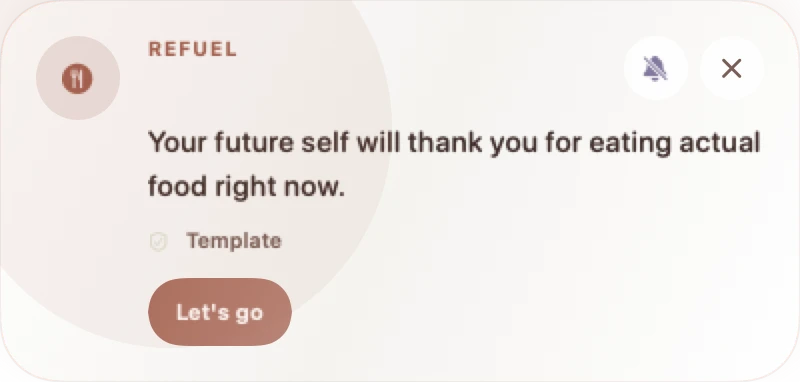
Floating bannerA floating nudge banner: Your future self will thank you for eating actual food right now.
Or from Pip, when it's on screenPip's speech bubble: Stretch with me? with Let's go and Later buttons.
Let's go
starts the matching break
Later
snoozes it for 30 minutes
03 · Guided breaks

Short breaks with just enough structure.

Start one from Today, the menu bar, a nudge, or Pip. Each has a gentle guide and a countdown, and ends with a soft sound.

20 s

Rest your eyes

Look away from your screen at something in the distance.

1 min

Stretch

Relax your shoulders. Move gently in a way that feels comfortable.

2 min

Breathe

Breathe slowly and comfortably. Let the guide set a gentle pace.

2 min

Body scan

Notice your feet, legs, shoulders, and face. Let any tension soften.

04 · Pip · New in 1.4

A desk companion that takes the break with you.

Pip sits just above your Dock. It gets tired on long sessions, brings your nudges with a hop, and breathes, rests its eyes, and stretches alongside you. Optional, and quiet when you focus.
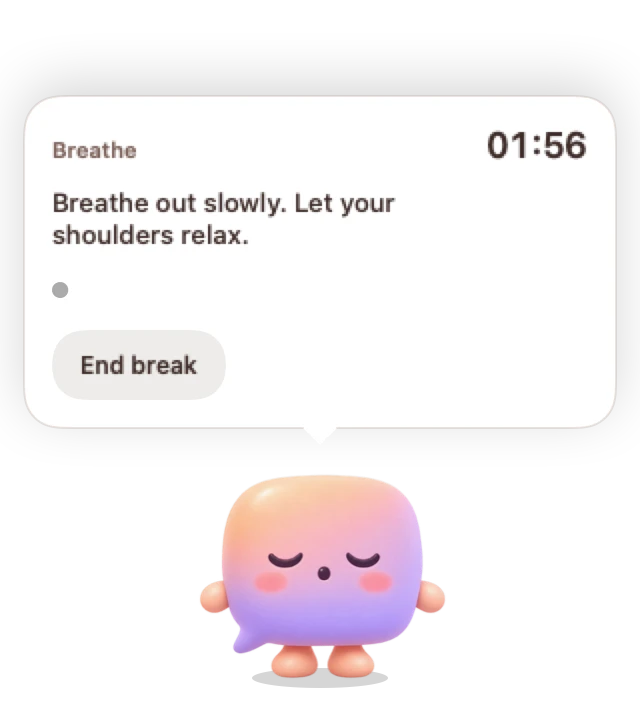
Brings the nudgeThen breathes with youPip bringing a stretch nudge.Pip breathing through a guided break, with the countdown in its bubble.
05 · Focus & quiet

Room for deep work, too.

A reminder at the wrong moment is worse than none. Start a Focus Block when you need to get something done, and set Quiet Hours for the times you never want a nudge.

Need a focus timer?
24:57
Focus BlockRoutine reminders paused
Quiet Hours

Pick the hours you never want a nudge, like evenings or meetings.

Respects macOS Focus

When a Focus mode is on, nudges wait.

06 · Progress

Your little resets add up.

See the breaks you took today, how you answered reminders, and your session history over time. A quiet record, not a score.
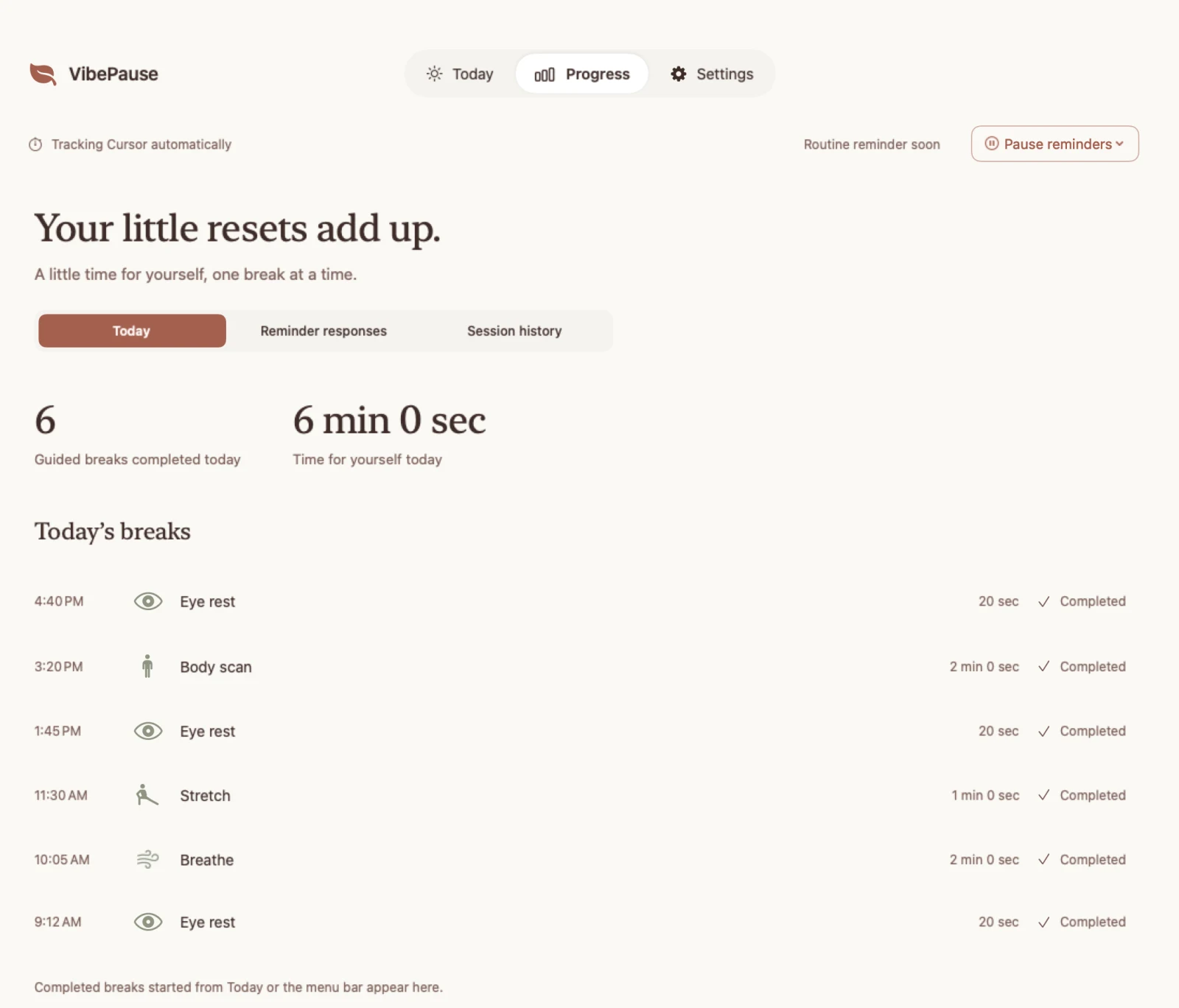
Today
Breaks completed and time for yourself.
Reminder responses
What you took, snoozed, or let pass.
Session history
How long your coding days really run.
VibePause Progress page: 6 guided breaks completed today, 6 minutes for yourself, and today's list of breaks.
07 · Make it yours

Nine themes. Light, dark, and in between.

Match your editor, or your mood. Pick reminder timing, nudge sounds, and a soft sound for finished breaks.
  • Peach & Lavender
  • Ocean Calm
  • Forest Walk
  • Ember
  • Soft Night
  • Midnight
  • Deep Ocean
  • Smolder
  • Deep Woods
VibePause Today page in the Soft Night dark theme.
08 · Privacy

Useful signals. Never your code.

VibePause needs to know which app is in front and whether you are at the keyboard. That is all it looks at.

Your code is not read

Detection uses foreground app identity, idle state, and timing. No keystrokes, no file contents.

History stays on your Mac

Sessions and breaks are stored locally. Export or clear them any time.

No account

Buy it, open it, use it. Nothing to create or remember.

Analytics only if you agree

Anonymous usage signals are sent only with your consent. City context is optional and never GPS.

One purchase

Everything on this page. One simple price.

No recurring payment, no in-app purchase, no account. Every feature above, Pip included.

US$14.99One-time purchase · macOS 14+
The App Store shows the price for your country
Get VibePause on the Mac App Store ↗